Save & script recovery
How to move Demo scripts into the full game
Start a fresh save in the full game—do not copy the whole Demo save. Back up the Demo folder, open its newest save_*.json file, copy out your scripts and shared-library text, then recreate them one at a time in the full game.
You can keep reusable code this way. Your unlocked technology, contracts, machines, inventory, and world progress will not move with it.
Watch the game
Recognize the old Demo environment
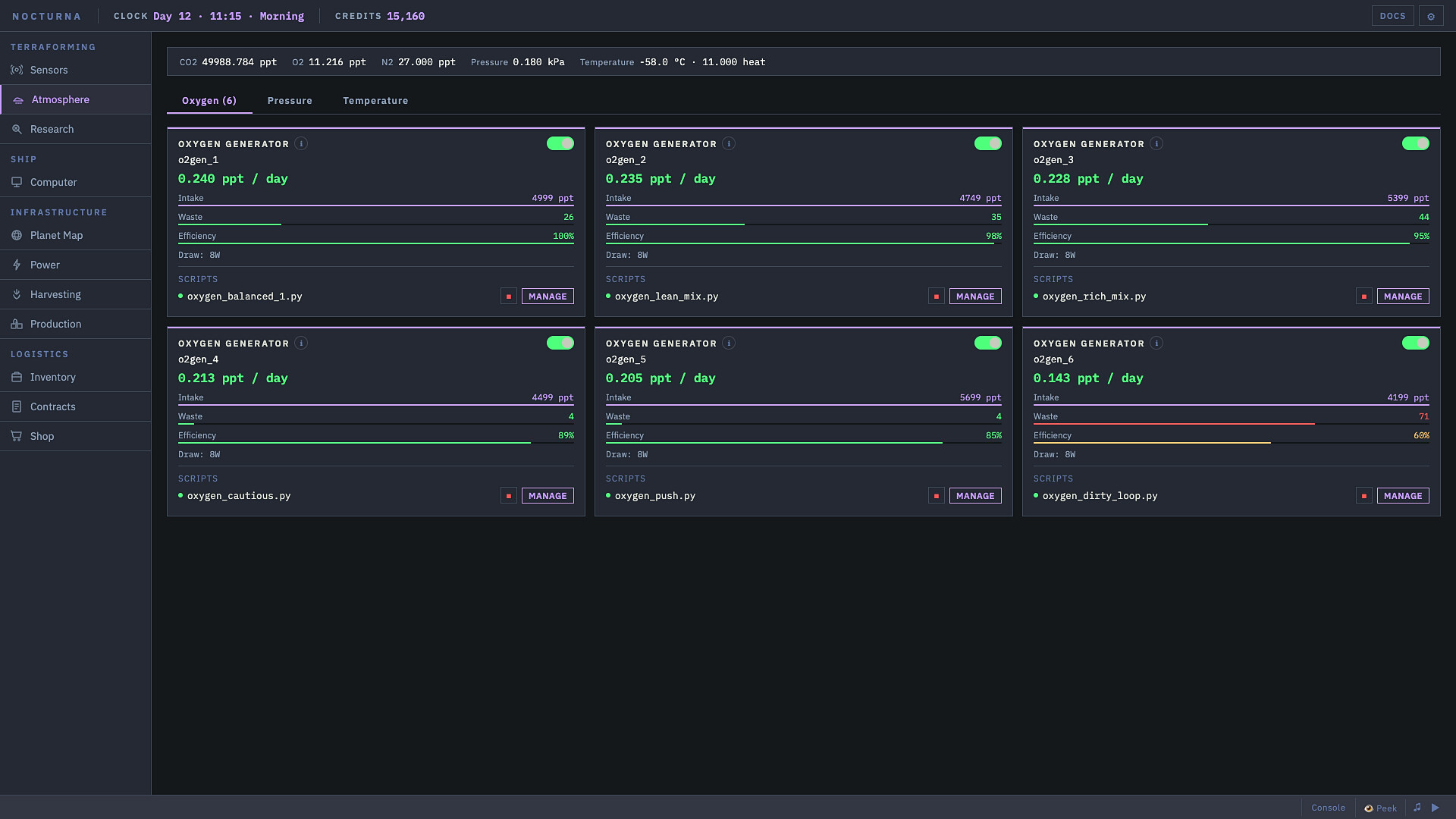
See the older Demo menu, editor, and world so you can recognize where your old save came from. Follow the written steps below for the actual recovery.
Continue with the save-location steps →On this page
1. Find the Demo save folder
Use the path for the system where you played the Demo:
| System | Demo save folder |
|---|---|
| Windows | %APPDATA%\io.codeterraform.demo |
| Linux | ~/.local/share/io.codeterraform.demo/ |
| Linux with XDG_DATA_HOME | $XDG_DATA_HOME/io.codeterraform.demo/ |
On Windows, paste the path into File Explorer or the Run dialog. A developer reply also says the full game has a Settings button that opens its own save folder on Windows or Linux.
2. Back up before opening anything
- Exit the game so it is not writing a save.
- Copy the entire Demo save folder to a separate location.
- Work from the copy. Do not edit the only copy of your Demo save.
- Sort the
save_*.jsonfiles by modified time and open the newest file that contains readable JSON.
3. Copy your scripts and shared library
Search the JSON for scripts, then preserve each script's source text. Search separately for scriptLibrary and copy the library entries you want to keep.
Save the recovered code as ordinary text files with clear names. That gives you a readable backup even if the old JSON format changes again.
4. Rebuild in a fresh full-game save
- Start a new save in the full game.
- Open the appropriate machine's script editor and recreate one recovered script at a time.
- Recreate any shared-library entries from the recovered
scriptLibrarydata before importing or calling them. - Run each script separately and read its first error before restoring more automation.
Expect some old scripts to fail on their first run. The Demo was more than 600 commits behind the release build, so check old component names and calls against the current in-game docs, fix the first error, and run the script again before restoring the next one.
What will not move to the full game
This is a code-recovery method, not a save converter. It does not promise to carry over your world, researched technology, completed contracts, inventory, placed machines, or other progression.
Players in the release discussion reported errors when trying to move or load the whole old save. Keeping the migration narrow is what makes the result dependable.
How to know the recovery worked
- Your untouched Demo folder still exists.
- You can read the recovered source in ordinary text files.
- The full game save was created normally rather than copied from the Demo.
- Each restored script compiles and runs before the next one is added.
- You have checked changed APIs in the current in-game docs instead of blindly keeping Demo calls.