See Code: Terraform in motion
A short official tour of the editor, power systems, rovers, and planet-scale automation. Check current in-game docs before copying an older command.
An independent player wiki
Power the base. Explore the planet. Make the machines work for you. Get practical help with scripts, solar tracking, harvesting and the next problem in your save.

Watch & learn
See the planet, editor and machines before choosing a guide. Start with the official trailer or explore a creator’s recorded Early Access playthrough. Videos may show older interfaces.
3 videos shown
A short official tour of the editor, power systems, rovers, and planet-scale automation. Check current in-game docs before copying an older command.
A concise first look at the editor, solar automation, and the live world. Check the current in-game docs before copying a command from the video.
A longer walkthrough of booting systems and building the first automation. Check current in-game docs before copying any call.
Find your next guide
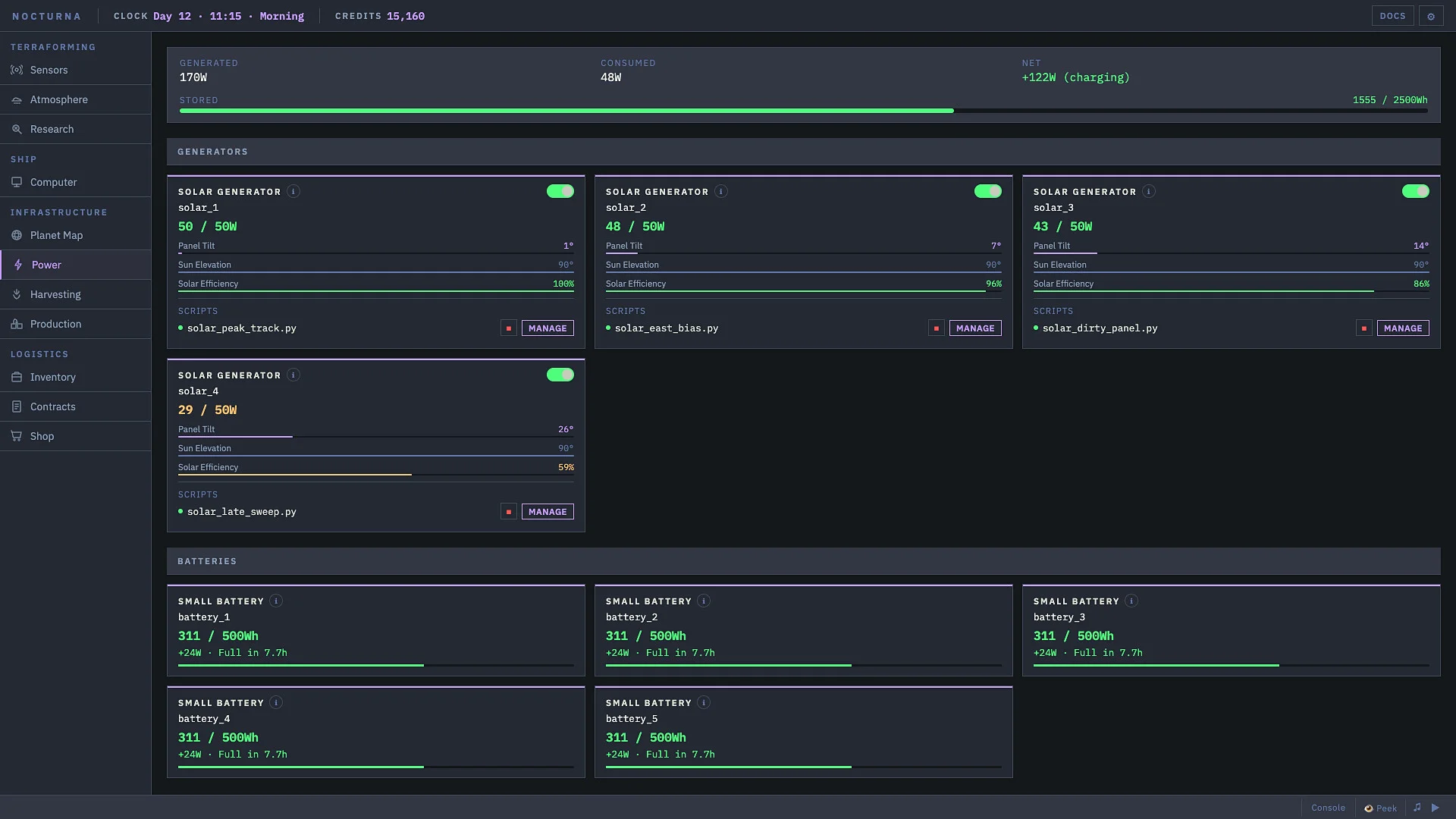
Separate a bad angle, a stopped script, and a night-time power shortage.
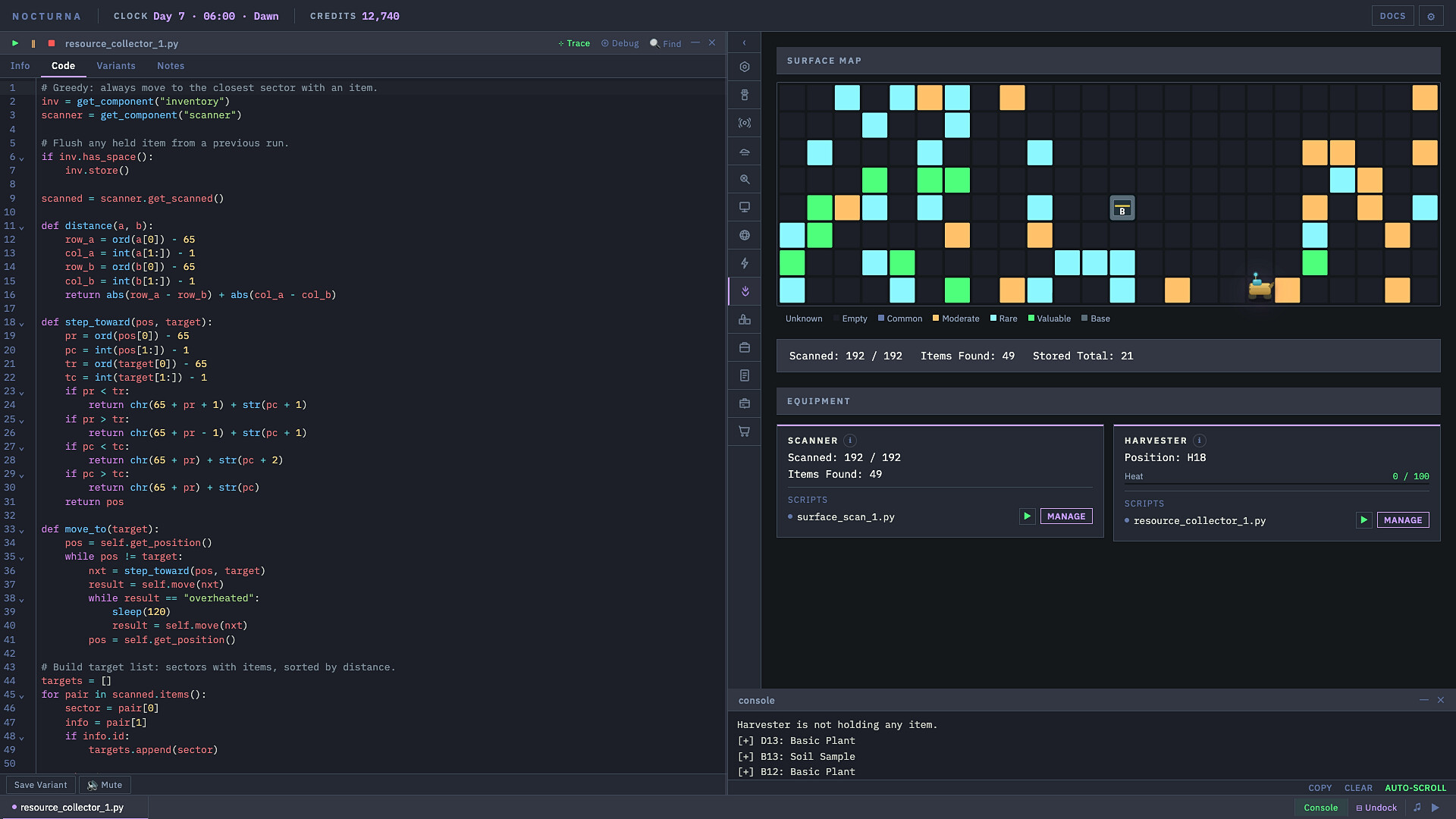
Separate an invalid destination from heat, then get a short route working.
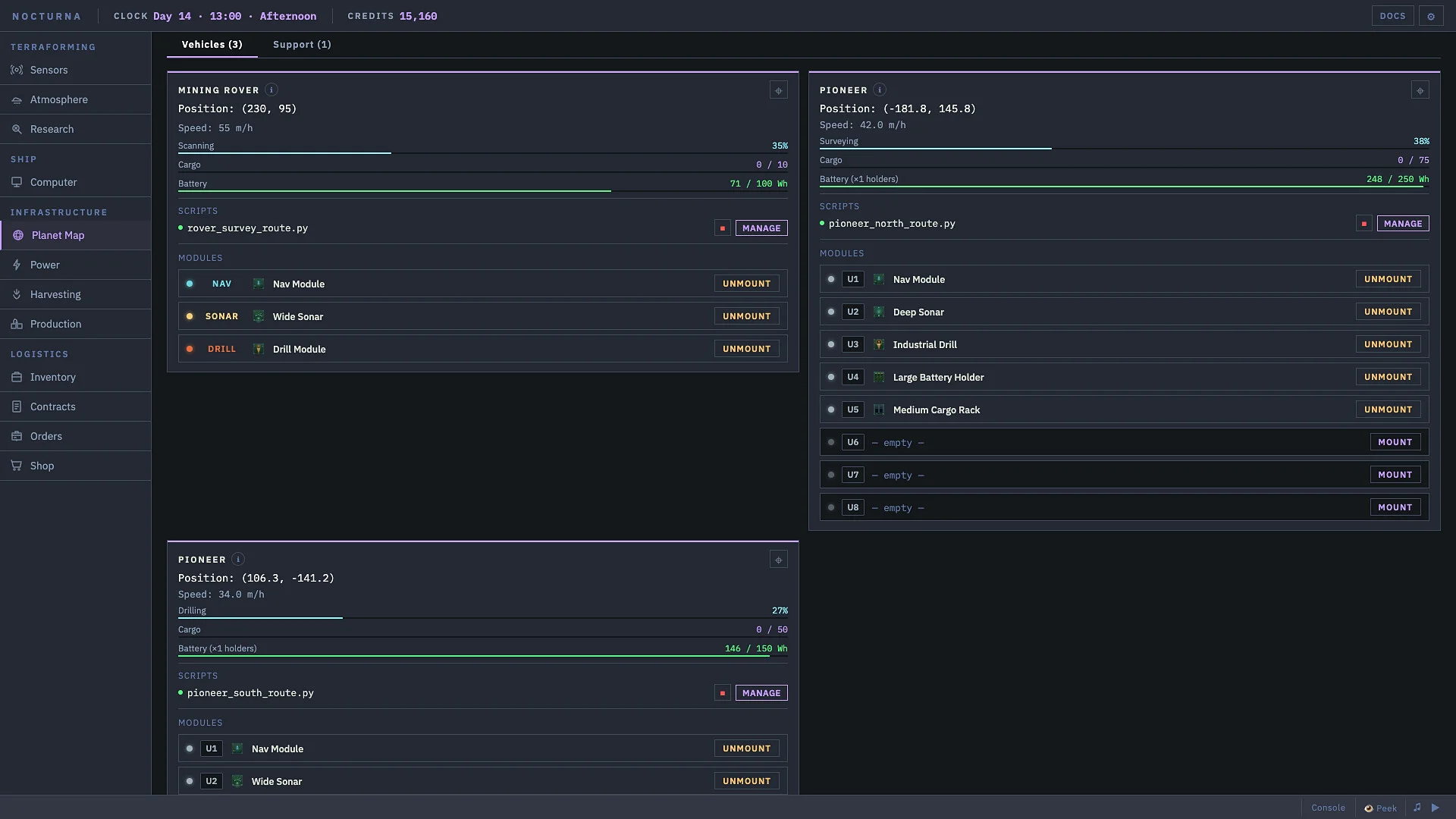
Get a parked vehicle charging or help one stranded away from the base.
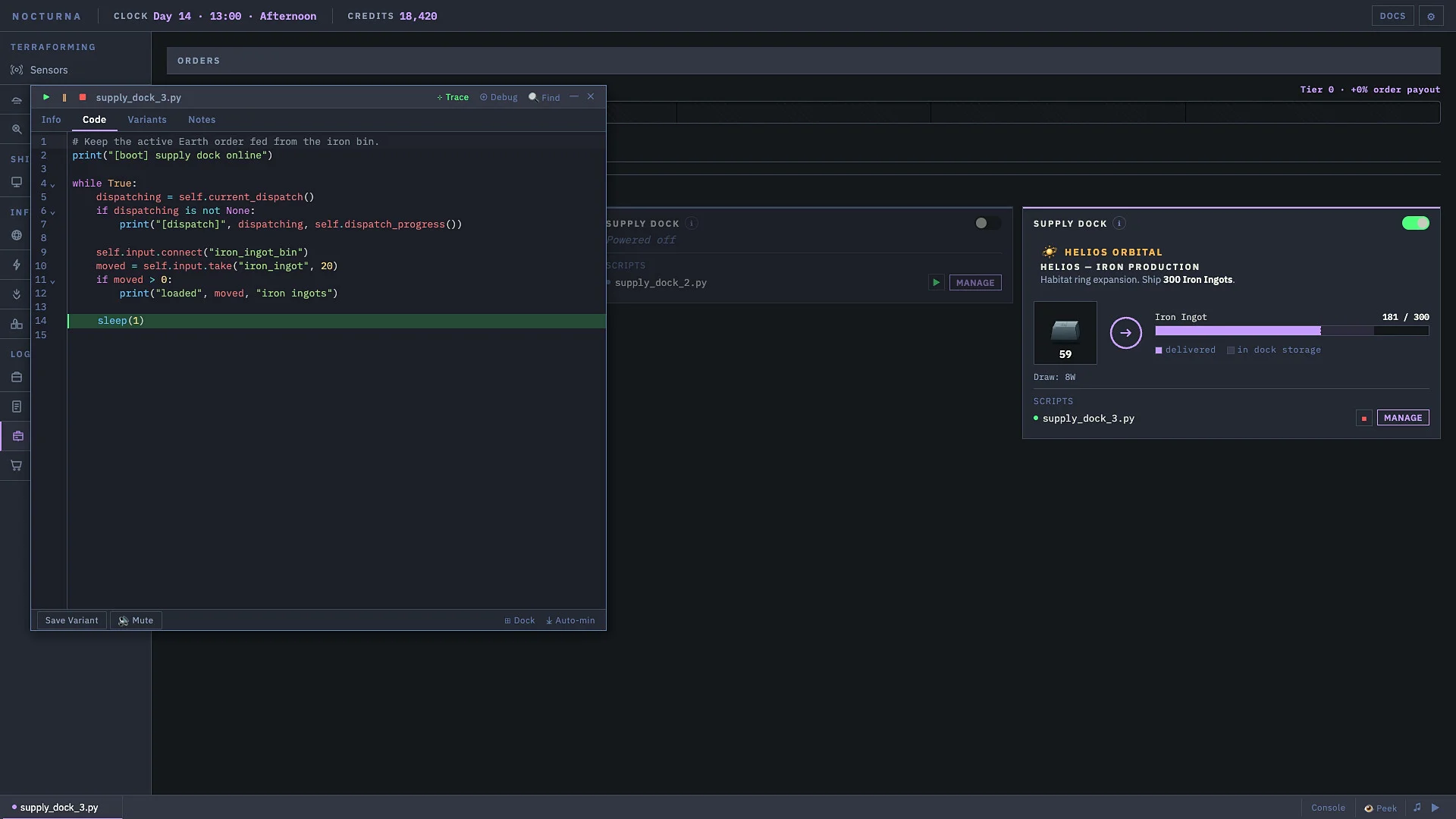
Build small helpers that stay readable when your automation grows.
Keep the reusable code. Leave incompatible world progress behind.
Send each item to the right system—and never delete a useful stack by accident.
Turn unknown Bio Collector locations into a reusable catalog for your own save.
Inside the game
How the game works
Most Code: Terraform problems become easier when you slow the loop down: read what the machine or inventory is reporting, choose the system that can do the job, run one change, and make sure it worked before adding more automation.
Read the sensor, inventory, machine state, error message, or save file first.
Decide whether the next step belongs in the Shop, Inventory, Bio Exchange, or a machine script.
Make one change at a time so a bad item ID or outdated call is easy to spot.
Check credits, inventory, machine output, or the first script error before continuing.
Choose by outcome
Locate the save, back it up, extract script source and shared-library data, then rebuild in a fresh Early Access world.
Open recovery guide →ROUTE / 02Separate normal Shop sales, permanent Inventory drops, and Biology samples that belong in the Bio Exchange.
Open inventory guide →CATALOG / 03Query the Journal for cataloged fragments, then finish any unknown scan locations through the Bio Lab.
Open specimen guide →SCRIPT / 04Use positional or named arguments, set safe defaults, and test variable argument lists before connecting a machine.
Open function guide →